
Coat of Arms Creator
Design a coat of arms or family crest in your browser, then download it free as a PNG, JPG or SVG.
Coat of Arms Creator is a free coat of arms maker. Pick a shield, split the field, color each part with a heraldic tincture, and add lions, eagles, griffins or any of more than 150 other charges. A motto scroll with curved lettering finishes it off. There is no account to set up and no charge or watermark on your downloads.
Families use it for a crest to hang at home, to print on reunion shirts or to give as a gift. Couples put one on wedding invitations, and schools and clubs make emblems with it. Writers and D&D players design arms for fantasy houses, and some people use it to sketch a tattoo before they visit the artist.
How to Make a Coat of Arms in Six Steps
-
1
Choose a shield
Open the Shield tab and pick one of ten shapes, from the classic Heater to the Kite, Lozenge or Round. Then split the field with a division such as per pale or quarterly, or add an ordinary like a chief or a chevron.
-
2
Click to set the tinctures
Click any part of the shield and choose a tincture from the color picker, which lists each one by its heraldic name. Or, Argent, Gules and Azure are good places to start.
-
3
Add charges
Open the Charges tab and pick a beast, bird, monster, plant or object. You can resize, rotate, recolor, flip or duplicate any charge once it is on the shield.
-
4
Write a motto
On the Motto tab, one click adds a scroll under the shield. Type your words, choose a font such as Cinzel or Blackletter, and drag the Curve slider until the text fits the scroll.
-
5
Save your design
Click Save to keep the design in this browser so you can come back to it. You can also make a share link to send it to family.
-
6
Download it
Pick PNG for a transparent image up to 4800 pixels wide, JPG for a small file, or SVG for printing at any size.
Ten Shield Shapes
The shape of the shield, or escutcheon, changed with time and place. The heater shield is the classic English and French form, the Spanish shield has a rounded base, and a lozenge has long been used for the arms of women. Pick whichever suits the look you want; the shape is not part of the blazon.
-
Heater
The classic English and French shield
-
French
Square with a small point at the base
-
Spanish
Rounded base, common in Spain and Portugal
-
Swiss
Curved notches along the top edge
-
Kite
The long Norman shield of the 11th century
-
Polish
Renaissance shape with scrolled corners
-
Oval
Often used by clergy and in Italy
-
Lozenge
Diamond shape, traditionally used for women’s arms
-
Banner
Square, like a banner of arms
-
Round
A round shield, or roundel
Divisions and Ordinaries
Most coats of arms start by splitting the field or laying a broad band across it. Per pale cuts the shield down the middle, quarterly makes four parts, and a chief is a band across the top. The heraldic divisions guide shows real arms that use each one.
-
Per pale
-
Per fess
-
Per bend
-
Per bend sinister
-
Per chevron
-
Per saltire
-
Quarterly
-
Per pall
-
Tierced in pale
-
Tierced in fess
-
Chief
-
Fess
-
Pale
-
Bend
-
Bend sinister
-
Chevron
-
Cross
-
Saltire
-
Pall
-
Pile
-
Bordure
-
Canton
-
Paly
-
Barry
-
Bendy
-
Chequy
-
Gyronny
Choose Your Tinctures
Heraldry calls its colors tinctures. The two metals are Or (gold) and Argent (silver, usually shown as white). The five main colours are Gules, Azure, Vert, Sable and Purpure, and the rarer stains include Tenné, Sanguine and Murrey. Each has its own name, and the heraldry colors guide explains the meanings that tradition gives them.
| Tincture | Color | Type | Hex |
|---|---|---|---|
| Or | Gold | Metal | #f2c12e |
| Argent | Silver or white | Metal | #ffffff |
| Gules | Red | Colour | #c8102e |
| Azure | Blue | Colour | #1f4e9c |
| Vert | Green | Colour | #1e7b3c |
| Sable | Black | Colour | #141414 |
| Purpure | Purple | Colour | #6b2d8b |
| Tenné | Orange brown | Stain | #c76a1d |
| Sanguine | Blood red | Stain | #8b1a1a |
| Murrey | Mulberry | Stain | #8b3a62 |
| Bleu celeste | Sky blue | Other | #74a9d8 |
| Cendrée | Ash gray | Other | #8e8e8e |
Pick Charges That Mean Something
A charge is any picture on the shield, and the best ones say something about the people who bear it. A lion has long stood for courage, an oak tree for strength and endurance, and a scallop shell for travel or pilgrimage. The coat of arms symbols guide lists the meanings of the common charges so you can choose with purpose.
-

Lion rampant
-
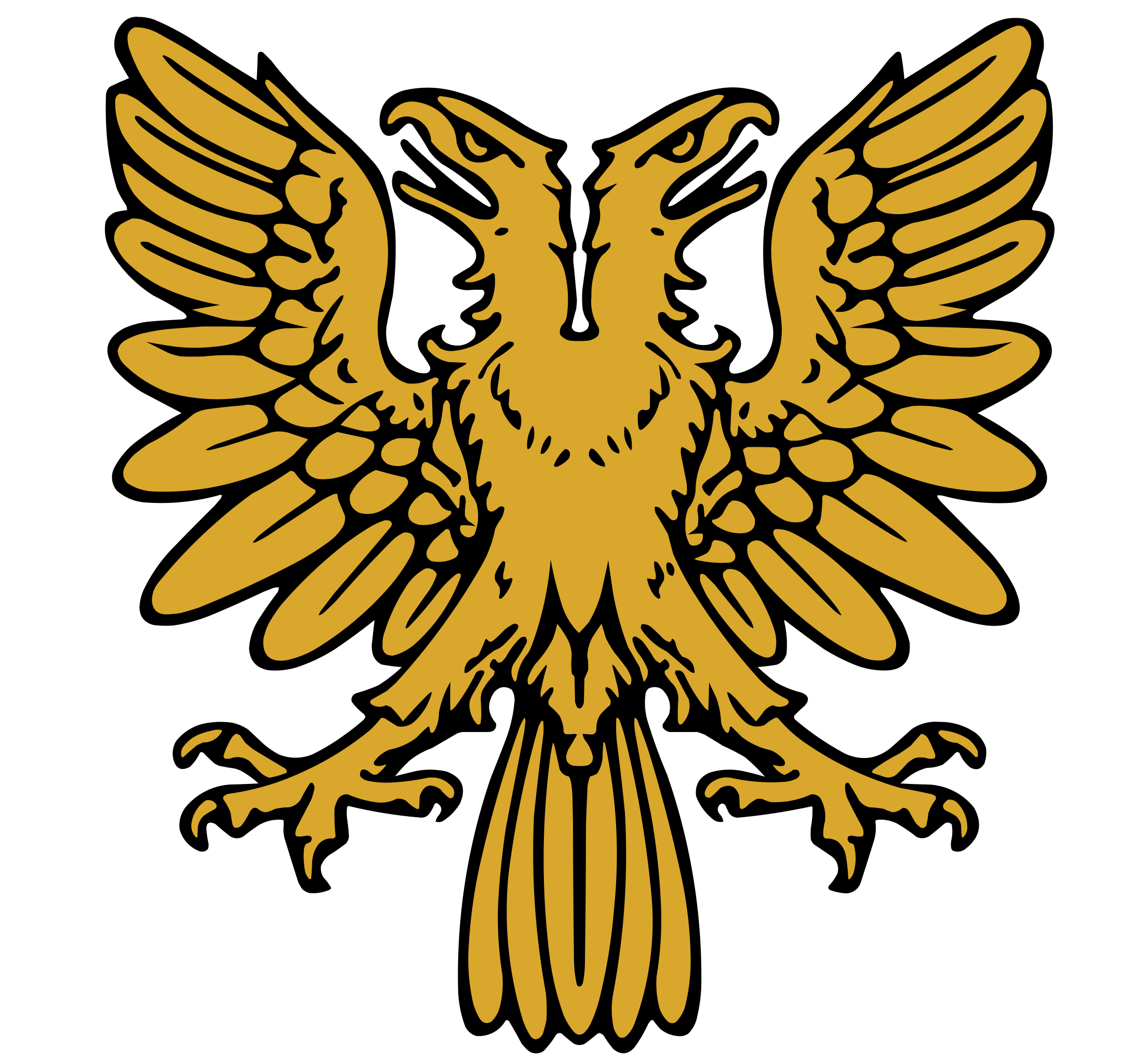
Double-headed eagle
-
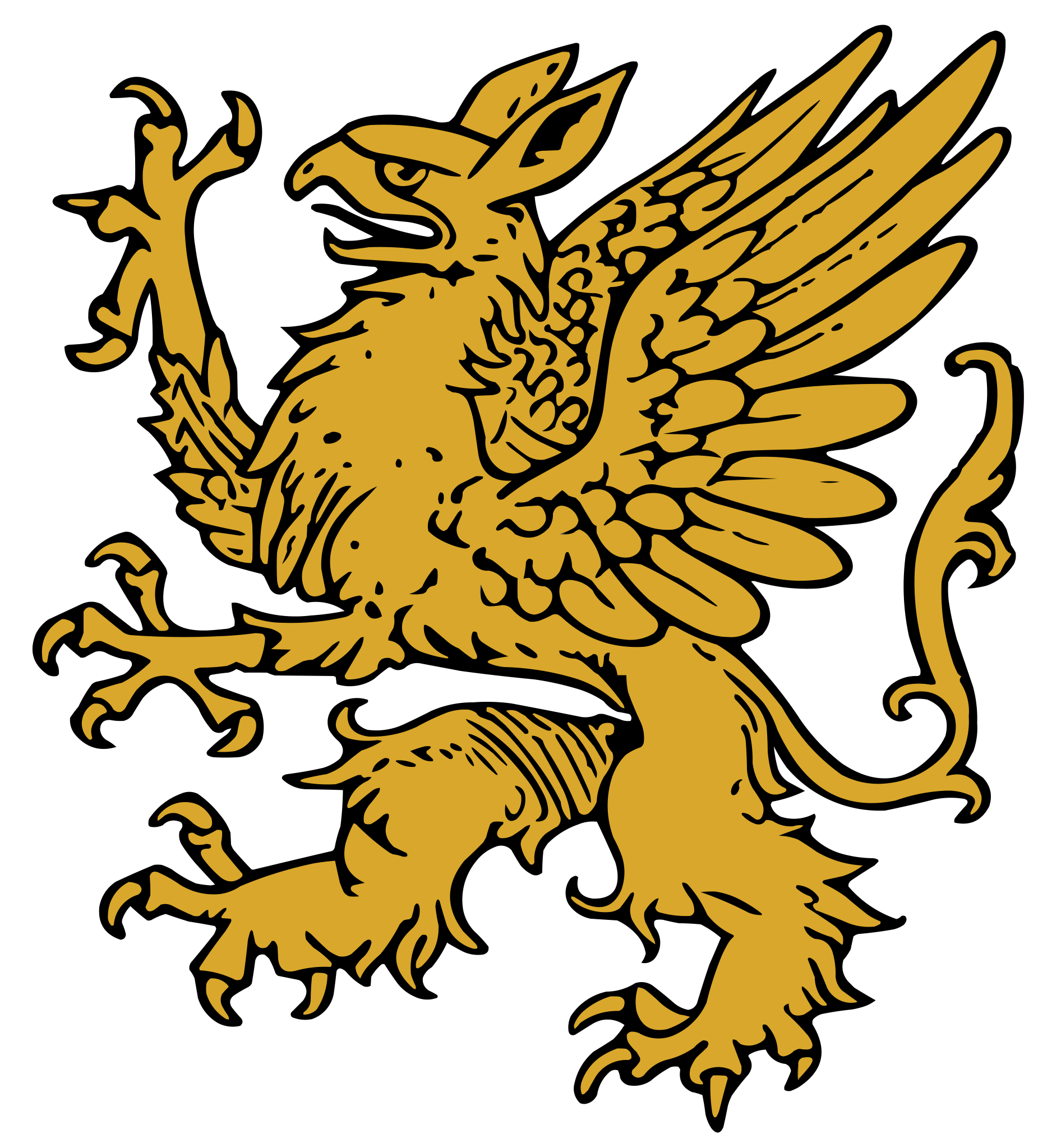
Griffin rampant
-
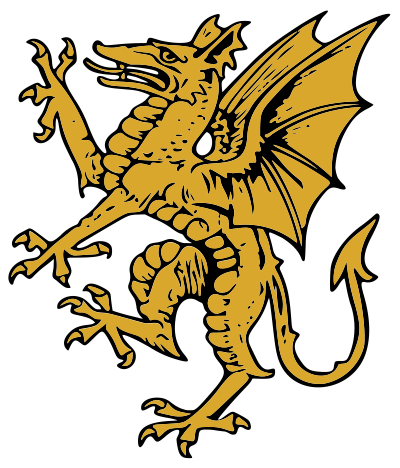
Dragon rampant
-
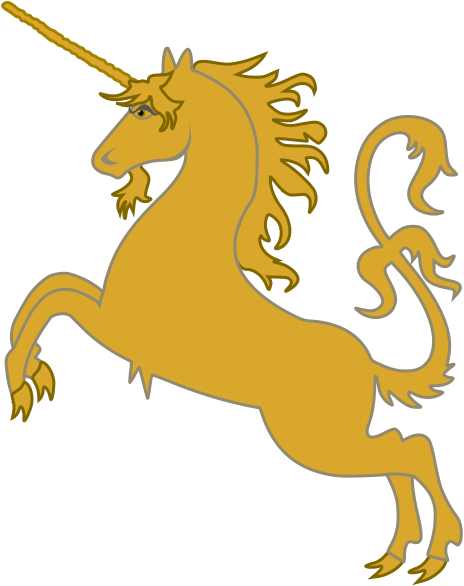
Unicorn rampant
-
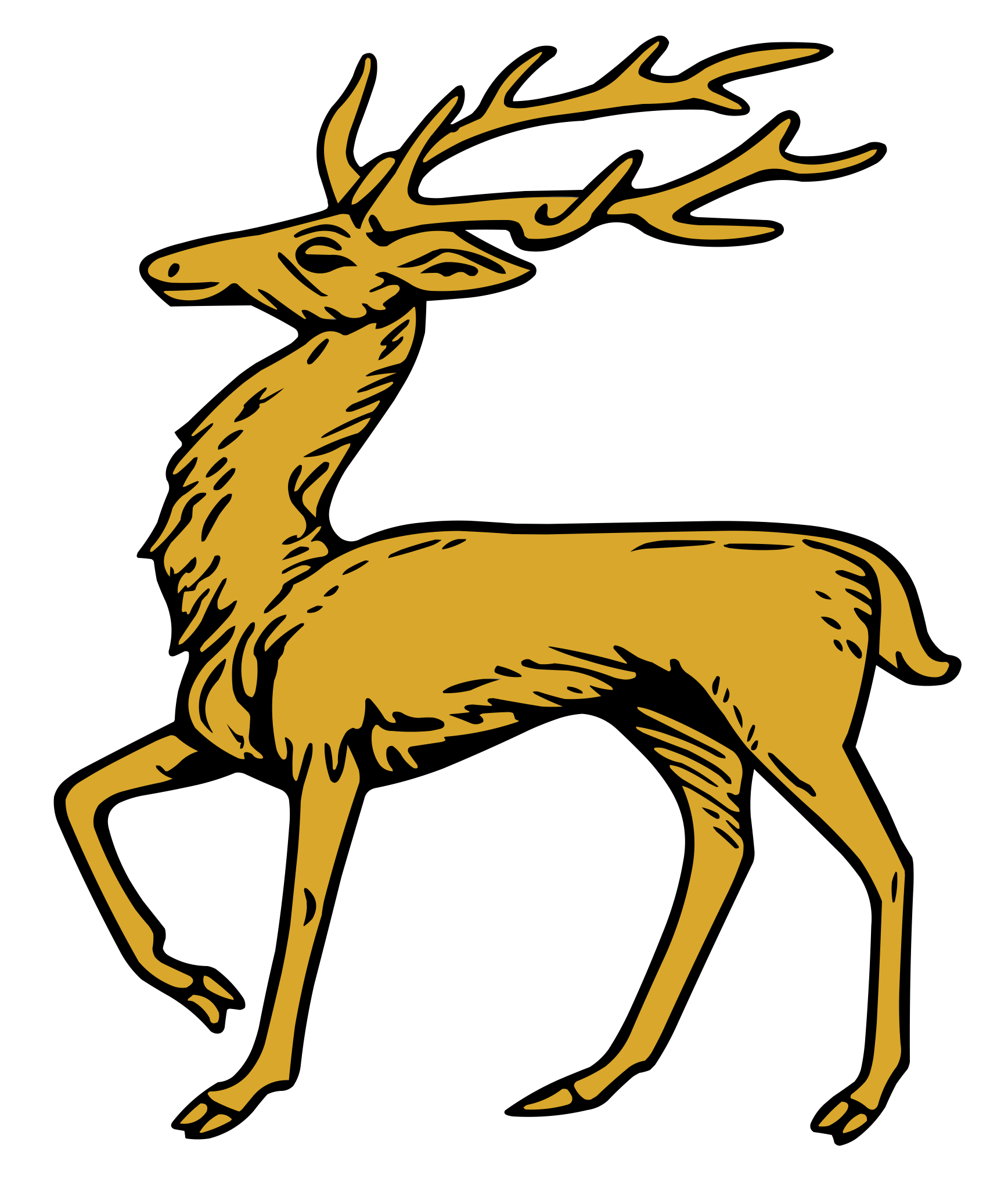
Stag
-
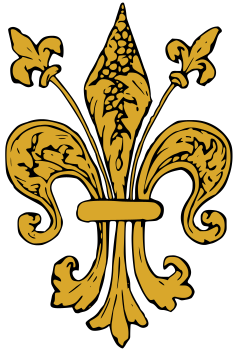
Fleur-de-lis
-
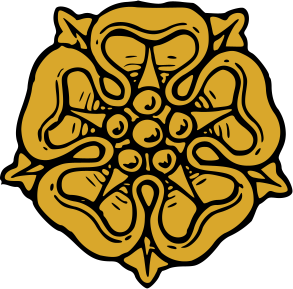
Heraldic rose
-
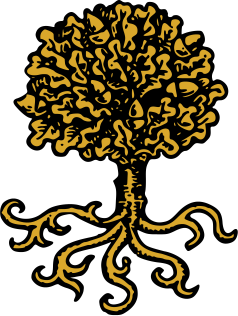
Oak tree
-

Castle
-
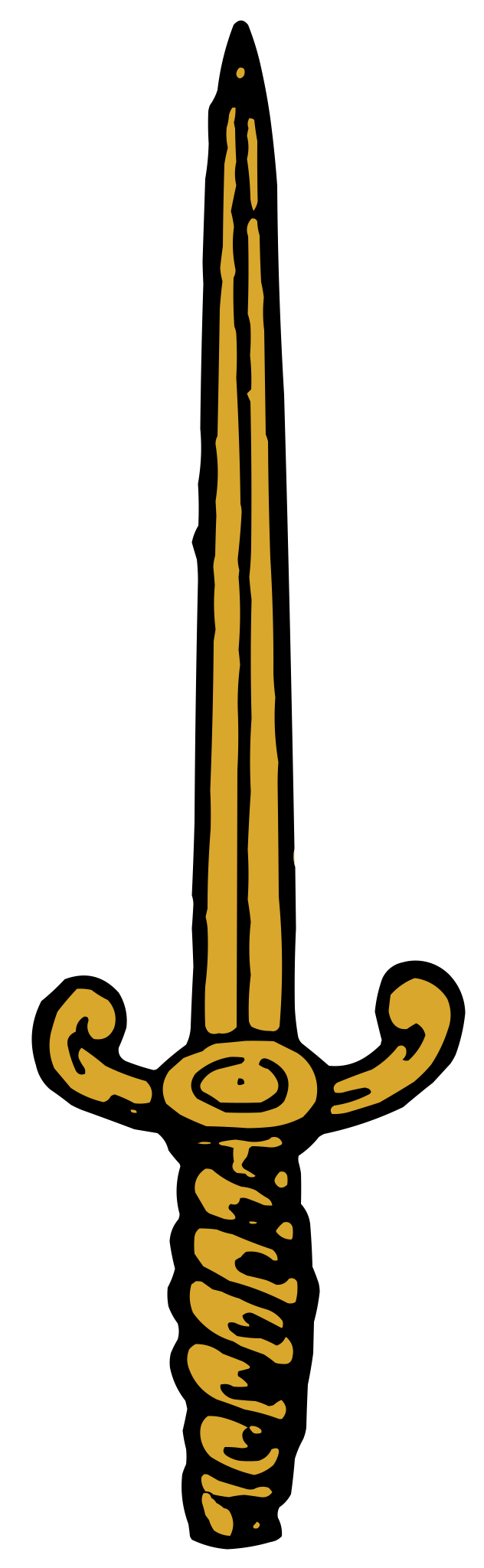
Sword
-
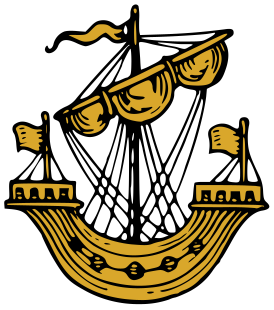
Lymphad (ship)
Five Tips for a Good Coat of Arms
-
Keep it simple
The strongest arms use two or three tinctures and can be recognized from across a room.
-
Follow the rule of tincture
Put a metal on a colour or a colour on a metal, never colour on colour, so the design stays easy to read. See the rule of tincture.
-
Use few charges
One bold charge or a group of three usually looks better than a crowded shield.
-
Choose charges with meaning
Pick symbols tied to the family story, or try a canting charge that puns on the surname, like a bell for Bell.
-
Don't copy someone's arms
Real arms belong to a real person, so make yours distinct instead of reusing a coat of arms you found online. A particular drawing can also be protected, as the answer on whether family crests are copyrighted explains.
Is a Homemade Coat of Arms Official?
No, but for personal use it doesn't need to be. You can make your own coat of arms and put a design you make here on a wall, a shirt, an invitation or a tattoo. Just keep in mind that a homemade design is not a grant of arms, and in Scotland you can't legally display arms as your own unless the Lord Lyon has granted or recorded them to you.
Official arms are granted by heraldic authorities: the College of Arms for England, Wales and Northern Ireland, the Court of the Lord Lyon in Scotland, the Canadian Heraldic Authority and the Chief Herald of Ireland. The United States has no heraldic authority, so Americans are free to adopt their own arms. The family crest vs coat of arms guide explains how grants work and whether your surname has arms.
Heraldry Guides
- How to Make a Coat of ArmsPlan, blazon and build a coat of arms one step at a time.
- Coat of Arms Symbols and Their MeaningsWhat lions, eagles, griffins and other common charges stand for in heraldry.
- Heraldry Colors and Their MeaningsThe metals, colours, furs and stains, with what each tincture traditionally means.
- Parts of a Coat of ArmsShield, helm, crest, mantling, supporters and motto, explained part by part.
- Family Crest vs Coat of ArmsWhy a crest is only one part, and whether your surname has arms.
- Latin Mottos for a Coat of ArmsLatin motto ideas with translations, plus famous mottos and how to choose.
- The Rule of TinctureWhy heralds never put colour on colour, and the famous exceptions.
- Heraldic Divisions and OrdinariesPer pale, per fess, chief, bend, chevron and more, with simple examples.
Frequently asked questions
Is Coat of Arms Creator free to use?
Yes. Every part of the editor is free, including all the shield shapes, divisions, charges, the motto scroll, your own uploads and every download format. Downloads carry no watermark, and there is no limit on how many designs you make. A single crest for a family reunion and twenty houses for a fantasy campaign cost the same, which is nothing.
Do I need an account to make a coat of arms?
No. There is no sign-up and no login. Open the page and start on your shield straight away. The editor runs in your browser, and anything you save stays in that browser on your own device. The catch is that saved designs do not follow you to another computer or phone, so download a copy of any coat of arms you want to keep.
How do I download my coat of arms?
Click Download and pick a format. PNG has a transparent background unless you set one, and comes 1200, 2400 or 4800 pixels wide. JPG gives a smaller file for email or chat. SVG is a vector file that stays sharp at any size, so it is the one to send a print shop, an engraver or an embroiderer.
Can I add my own image to the shield?
Yes. Open the Uploads tab and pick an image from your device, and it lands on the canvas. You can move, resize, rotate and layer it like any charge. A drawing or logo saved as a PNG with a transparent background sits most cleanly on the field. The image stays in your browser and is never sent to a server.
Where are my saved designs stored?
When you click Save, the design goes into storage inside this browser on this device. Nothing is kept on a server. Clearing your browsing data or the data for this site deletes your saved designs, and a private window may not keep them at all. Download a PNG or SVG of anything you care about as a backup.
Can I make a family crest, a fantasy house or a club emblem?
Yes. People use the editor for family crests, reunion shirts, wedding stationery, school and club emblems, and the noble houses of novels and D&D campaigns. The tools work the same for each. Pick a shield, choose colors that suit the family or group, add a charge or two and finish with a motto. Simple designs read best when printed small.
Is the coat of arms I design official?
No. A design you make here is yours to use, but it is not a grant of arms. Official arms are granted by heraldic authorities such as the College of Arms in London or the Court of the Lord Lyon in Scotland, usually for a fee and only to people who qualify. The United States has no such authority, so Americans may adopt their own.